The 2026 Hosting Platforms Guide for JavaScript Devs (From Side Projects to Serious Apps)
If you’re building with React/Next.js, Node, or full-stack JS in 2026, you really only care about two questions:
Where do I host this so it “just works”?
What happens when this side project suddenly needs to be “real” (prod traffic, uptime, security, clients paying you)?
Here’s how I explain the current landscape to other South African devs and bootcamp grads — starting with the dev-friendly platforms you actually touch, then zooming out to the big enterprise clouds you’ll meet later.
Layer 1: Dev-Friendly Hosting Platforms
These are the platforms you’ll probably use first. They hide most infra headaches and play nicely with modern JS frameworks.
1. Vercel – The Default for Next.js
Best for: Next.js apps, landing pages, SaaS dashboards, marketing sites. Why devs love it:
Git-connected deploys: push to main or preview branch → instant deploy.
First-class Next.js support: server components, edge functions, image optimization, middleware.
Great DX: preview URLs for every PR, logs, env vars in a clean UI.
You should reach for Vercel when:
You’re building a new Next.js app and want the smoothest path from idea → production.
You care about edge performance (low latency) more than deep infra control.
Trade-offs:
It’s opinionated. You’re living in the Next.js/Vercel world.
Costs can creep up if you run heavy background jobs or abuse edge functions.
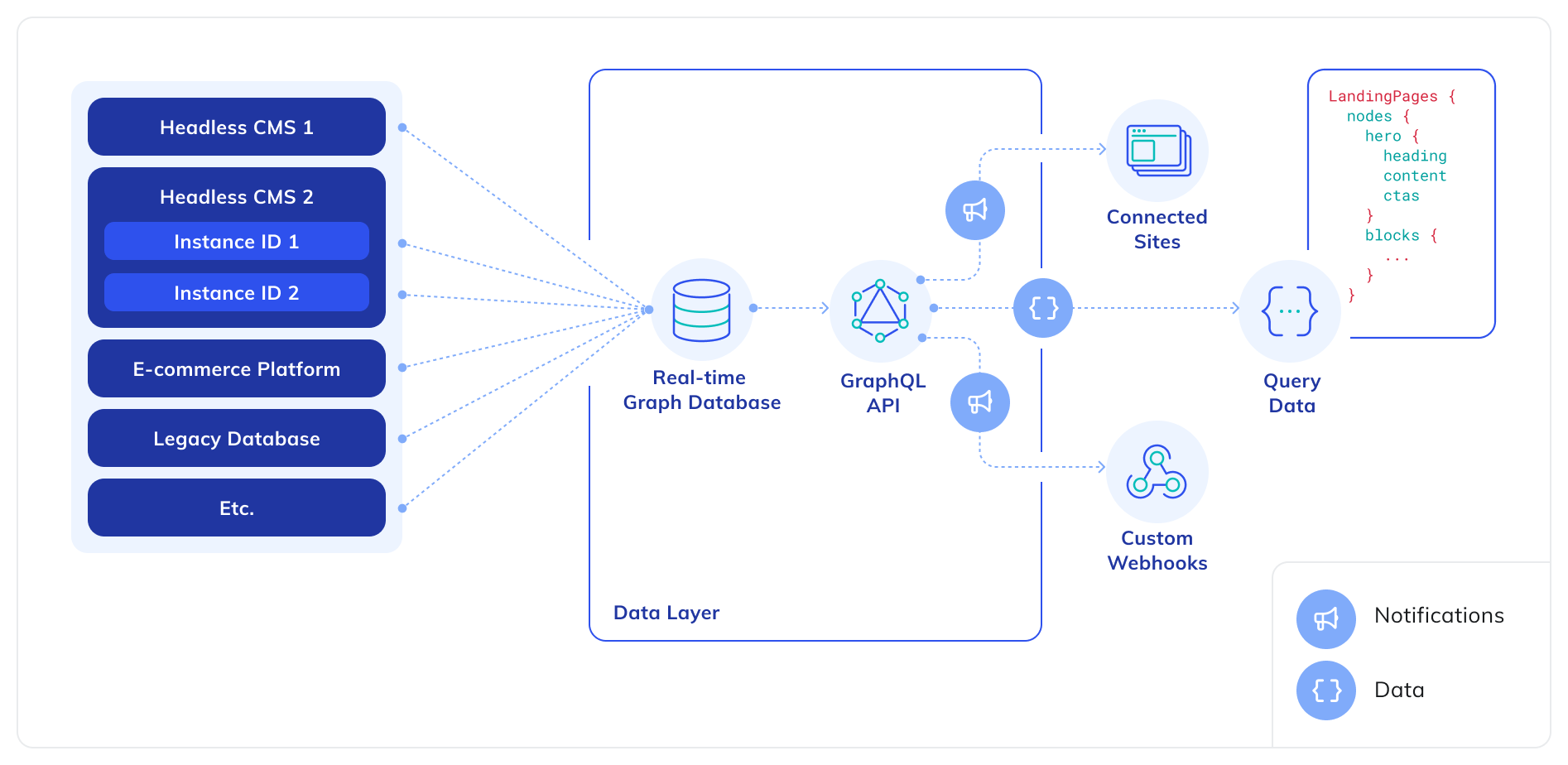
2. Netlify – Jamstack Veteran With Nice DX
Best for: Static sites, Jamstack, older Gatsby/React SPAs, simple forms and functions. Why devs still use it in 2026:
Super-friendly UI and deploy story.
Built-in form handling, redirects, simple serverless functions.
Great for create-react-app/static exports and marketing sites.
Reach for Netlify when:
You’re shipping static or mostly-static content.
You want a simple platform for personal sites, portfolios, or docs.
You’re already comfortable with their build settings and redirects.
Trade-offs:
Next.js support is decent, but Vercel is usually better for the latest Next features.
Complex backends eventually feel cramped; you’ll start bolting on other services.
3. Supabase – Postgres, Auth, and APIs Out of the Box
Best for: Full-stack apps where you want a real database + auth without setting up your own backend. What you get:
Hosted Postgres with row-level security.
Auth (email, OAuth, magic links).
Edge functions and storage (files/buckets).
A nice dashboard for DB + logs.
Supabase feels like Firebase but for SQL people. Pair it with Next.js on Vercel or Netlify and you have a full-stack app without touching raw AWS.
Reach for Supabase when:
You want relational data and SQL from day one.
You’re building SaaS, dashboards, or anything that benefits from strong data modeling.
You want a clear migration path later (you can always move Postgres).
Trade-offs:
Still a managed platform: you’re on their Postgres flavor, their limits, their uptime.
For very high scale / strict compliance, you might still end up on raw cloud Postgres later.
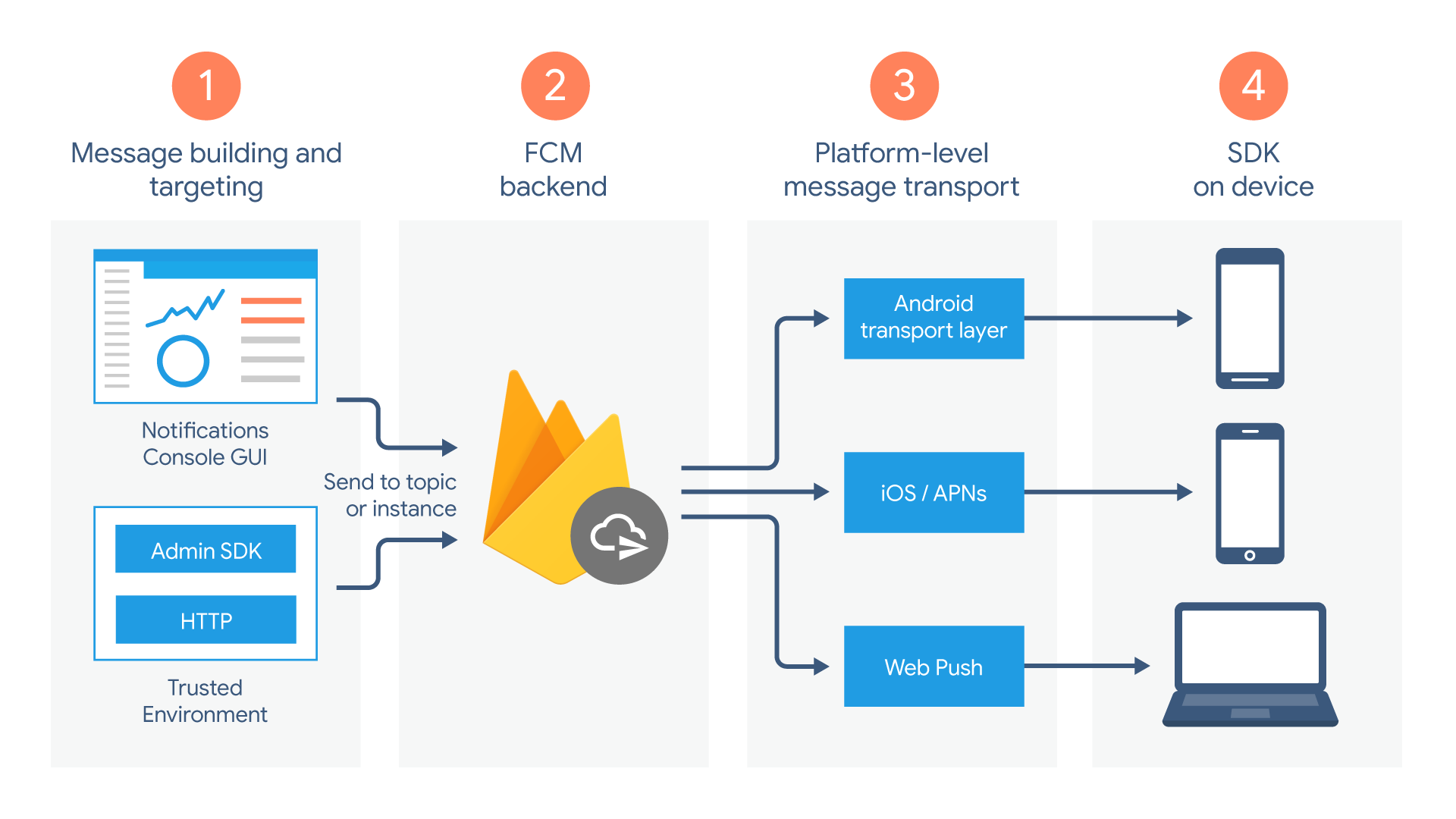
4. Firebase – Realtime and Mobile-First
Best for: Realtime apps, mobile-first products, chat, presence features, or teams deep in the Google ecosystem. What you get:
Tight integration with Android + other Google tools.
Reach for Firebase when:
You’re building a mobile app and don’t want to run your own backend.
You care about realtime (presence, live updates) more than relational SQL modeling.
Your team is already on GCP or comfortable with Google tooling.
Trade-offs:
Firestore’s pricing model can surprise you at scale (reads/writes).
Querying is flexible but limited compared to raw SQL.
Migrating off Firebase later can be painful.
Layer 2: The Big Clouds (Enterprise Platforms)
At some point in your career, you’ll hear: “We’re on AWS” or “Our stack is Azure + on-prem” or “We’re moving more workloads to GCP.”
These are not “click and deploy my portfolio” tools. They’re lego boxes of hundreds of services.
When infra teams care about fine-grained control, networking, security, and cost tuning.
Azure – Enterprise + Microsoft World
Strengths:
Deep integration with Windows, Active Directory, Office 365, .NET.
Popular with corporations already living in the Microsoft ecosystem.
Good for hybrid setups (on-prem + cloud).
You feel Azure the most if you’re:
Working in a corporate that already does everything in Microsoft land.
Building internal tools / line-of-business apps where IT owns identity + infra.
GCP – Google’s Take on Cloud
Strengths:
Strong in data, analytics, and ML (BigQuery, Vertex AI).
Clean console and solid managed services.
Good for teams leaning heavily into data pipelines and AI.
In practice, many startups mix:
Dev-friendly platforms (Vercel, Netlify, Supabase, Firebase) for developer speed.
Cloud primitives (AWS/Azure/GCP) behind the scenes for heavy lifting, data, or compliance.
You might not deploy directly to AWS as a junior, but you’ll consume services that run on it.
So… Which One Should You Pick?
If you’re a solo dev or bootcamp grad shipping your own projects in 2026:
For Next.js / React web apps: Start with Vercel.
For static sites / portfolios:Netlify or Vercel, whichever you vibe with.
For full-stack apps with a real DB:Supabase + Vercel/Netlify.
For mobile / realtime:Firebase.
Later, when you join a bigger company, you’ll meet AWS/Azure/GCP — but by then, you’ll already know how good developer experience is supposed to feel.
Bonus Idea: Cloudflare (Next Post)
I’m leaving Cloudflare for its own post: it’s not just “a CDN”, it’s quickly becoming its own full-stack platform (Workers, KV, D1, R2, analytics, security).
It deserves a deep dive on its own.
For now, if you’re overwhelmed by hosting choices: pick one dev-friendly platform, ship something small, and learn by doing. Your future self hacking Terraform on AWS will thank you.

%20hosting%20platforms%20guide%202026.webp)