
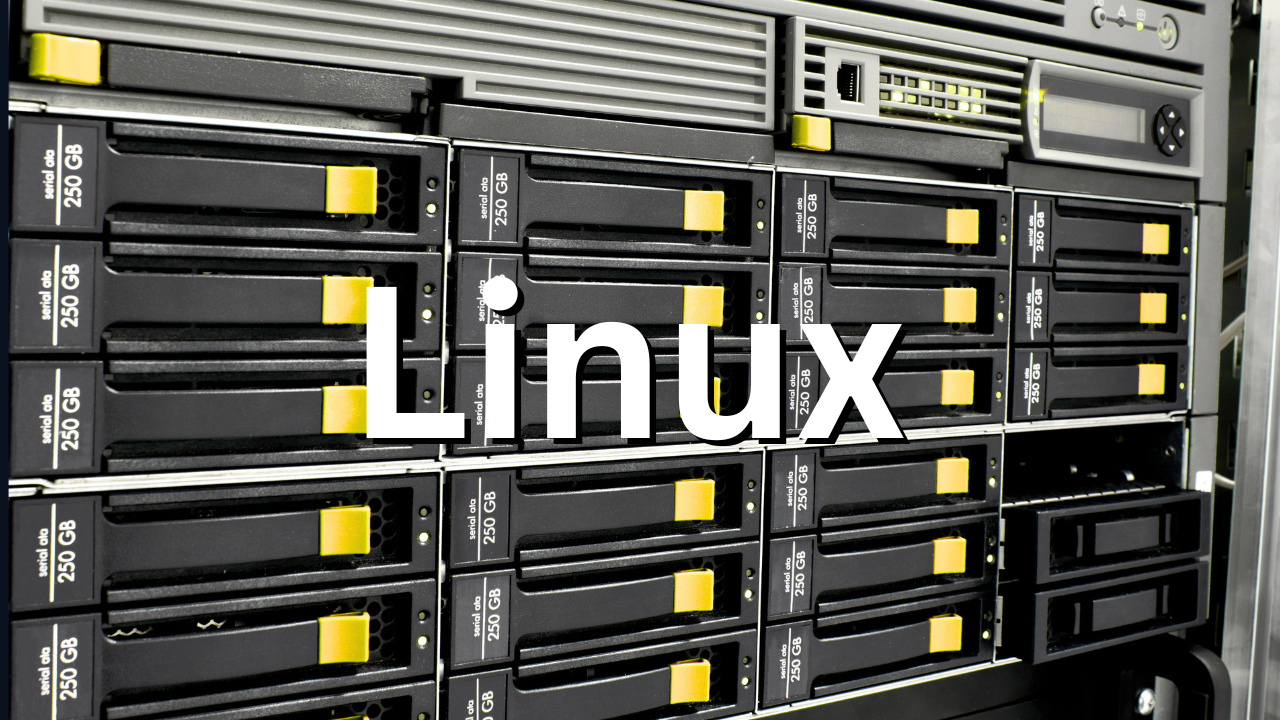
When you're comparing hosting plans, you'll see three types of storage mentioned: HDD, SSD, and NVMe. They are not interchangeable. The difference between them shows up in your website's load time, your database query speed, and ultimately your search ranking.
Here's what each one actually is and when it matters.
HDD: the old spinning disk
HDD stands for Hard Disk Drive. It's the mechanical storage technology that computers have used since the 1950s. Inside an HDD, data is stored on magnetic spinning platters. A physical arm moves across the platters to read and write data.
The mechanical nature is the problem. To access a file, the drive has to physically move the read/write head to the right location on the right platter. This takes time. Random reads and writes (which is what a web server does constantly) are slow because the head has to jump around constantly.
HDD speeds typically run between 80 and 160 MB/s for sequential reads. For random operations, performance drops significantly.
In 2026, HDD hosting survives in one legitimate use case: bulk cold storage where you need lots of space cheaply and don't care about read/write speed. Backups. Archives. Large file storage that doesn't get accessed frequently.
For anything serving web traffic, HDD is the wrong choice.
SSD: solid state, no moving parts
SSD stands for Solid State Drive. There are no moving parts. Data is stored in flash memory chips. No arms, no platters, no physical movement.
The result is a huge jump in performance. SSDs using the standard SATA interface typically deliver 500 to 550 MB/s sequential read speeds, roughly three to five times faster than HDDs. Random read/write performance (which is what matters for web servers and databases) is dramatically better.
SSDs also have lower failure rates because there are no mechanical components to wear out. They handle vibration better. They use less power.
For most web hosting workloads, a SATA SSD is a significant upgrade over HDD. Faster page loads. Faster database queries. Better user experience.
When hosting providers advertise "SSD hosting," this is usually what they mean.
NVMe: the current performance standard
NVMe stands for Non-Volatile Memory Express. It's a newer type of SSD that connects to the server through a different interface.
Standard SATA SSDs connect through the SATA bus, which was designed decades ago for mechanical drives. This creates a bottleneck. The SATA interface wasn't built for the speed flash storage can actually deliver.
NVMe drives bypass this completely. They connect directly to the CPU via PCIe lanes, which are the fastest data lanes on the server. The result is read and write speeds up to 7,000 MB/s, roughly 6 to 10 times faster than SATA SSD, and 20 to 40 times faster than HDD.
The latency difference is even more pronounced. NVMe drives deliver under 0.1ms access times. SSDs are around 0.1ms. HDDs are 5 to 10ms. For a database doing thousands of random reads per second, that latency stacks up fast.
What this means for your website
The storage type your hosting provider uses affects your site in concrete ways.
Page load speed. Every page load triggers file reads (PHP files, templates, images) and database queries. On NVMe, these happen faster. On HDD, they are visibly slower under load.
Database performance. MySQL, PostgreSQL, and MongoDB are constantly reading and writing. A busy WooCommerce store on HDD will show the strain during peak traffic. The same store on NVMe handles concurrent checkouts without breaking a sweat.
Core Web Vitals. Google uses Core Web Vitals as a ranking factor. The key metrics include LCP (Largest Contentful Paint) and TTFB (Time to First Byte), both of which are directly affected by storage speed. Faster storage means lower TTFB means better scores means better rankings.
Cart abandonment. Research from various e-commerce studies consistently shows that checkout page slowdowns correlate with abandoned carts. If your payment page takes 4 seconds to load instead of 1, you lose sales.
The quick comparison
| Storage | Speed | Random I/O | Use case | Cost per GB |
|---|---|---|---|---|
| HDD | 80-160 MB/s | Poor | Backups, archives | Low |
| SATA SSD | 500-550 MB/s | Good | Most web hosting | Medium |
| NVMe SSD | Up to 7,000 MB/s | Excellent | Databases, ecommerce, SaaS | Higher |
What South African providers are using
The major South African VPS providers have largely moved to NVMe or are in the process of doing so.
EliteHost uses PCIe 5.0 NVMe storage. HostAfrica uses NVMe SSD on their VPS plans. Domains.co.za uses NVMe with AMD EPYC processors. Absolute Hosting runs NVMe on their EPYC Bergamo configurations.
Axxess uses standard HDD on their entry-tier plans, which explains the low entry price.
Afrihost uses SAN-attached HDD, optimized for capacity rather than speed.
If a provider doesn't explicitly mention NVMe in their plan specs, ask. "SSD" sometimes means SATA SSD and sometimes means NVMe. The difference is significant enough to clarify before you commit.
When SSD is fine vs when you need NVMe
For a basic WordPress blog, a brochure site, or a low-traffic business website, a SATA SSD plan is more than adequate. You're not doing enough disk I/O to feel the difference between SATA and NVMe.
For a WooCommerce store, any app with a relational database under real load, a SaaS product, a news or content site with high traffic, or any application where response time directly affects revenue, NVMe is worth it.
The price difference between SATA SSD and NVMe hosting is usually small relative to what you get. When you're comparing plans, NVMe should be the default expectation in 2026.